01 / START
A prompt. An image. A hunch.
Start with an idea or bring your own references. Generate possibilities you can react to, not a final answer you have to settle for.
Generate images, combine your favorites, and explore new directions on a connected canvas. Build on what works without losing what came before.
Start with a prompt or your own images.
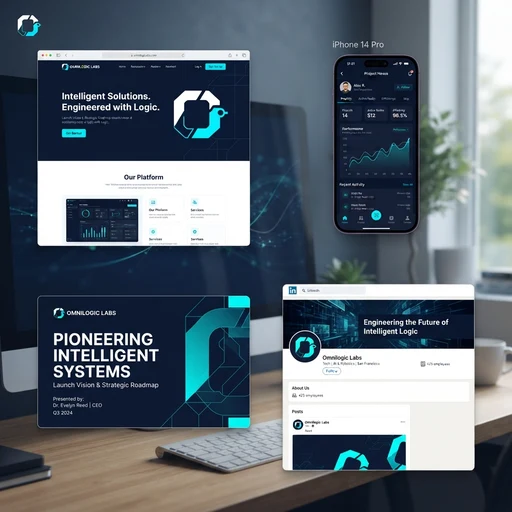 01Digital direction
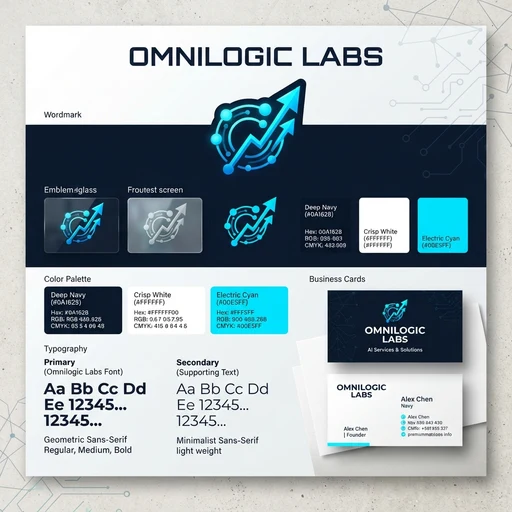 02Identity reference
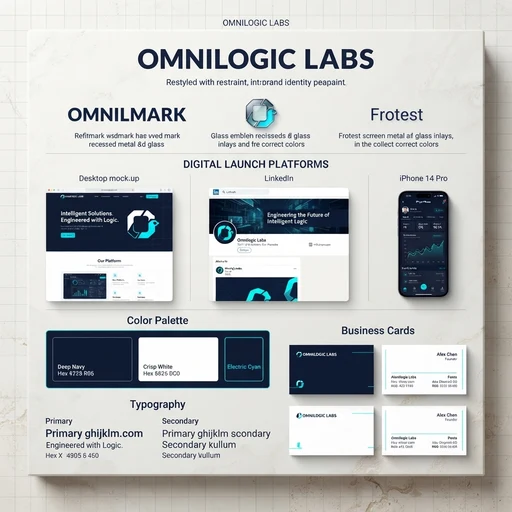 A direction from both
“The colors here. The layout there. What about both?”
You don’t have to know the destination before you begin. Make a few possibilities, notice what you like, and use that to decide where to go next.
Start with an idea or bring your own references. Generate possibilities you can react to, not a final answer you have to settle for.
Select one image or bring several together. Describe what you like in each and use them as references for a new direction.
Refine a promising image, try a different style, or return to an earlier idea. Your board keeps the connections visible as you go.
Ask for new directions, edit the suggested prompts, or write your own. Guide how much the content and style should change—then choose which ideas to generate.
Example directions. Suggested prompts are editable in the app.
Keep your references, variations, and connected ideas on one board. Pick up an earlier thread without piecing the whole experiment back together.
Explore what a project could look like before committing to what it should become.
Compare identities, combine influences, and see which visual direction deserves to become your brand.
Explore environments, moods, and visual styles. Follow the ideas that make the world feel like your own.
Test different looks and compositions, then build on the direction that fits what you’re trying to say.
A text prompt, your own images, or images you’ve already made on your board. You can explore from one reference or combine several.
No. Ask Speciate for ideas, edit its suggested prompts, or write your own. You choose the direction and what to generate.
Yes. Earlier images stay connected on your board, so you can choose another starting point and explore a different direction.
No. Selected images serve as references for a new generation. Describe what you want to keep or change, but treat the result as a new interpretation—not pixel-perfect compositing.
Create an account on Speciate to get started.